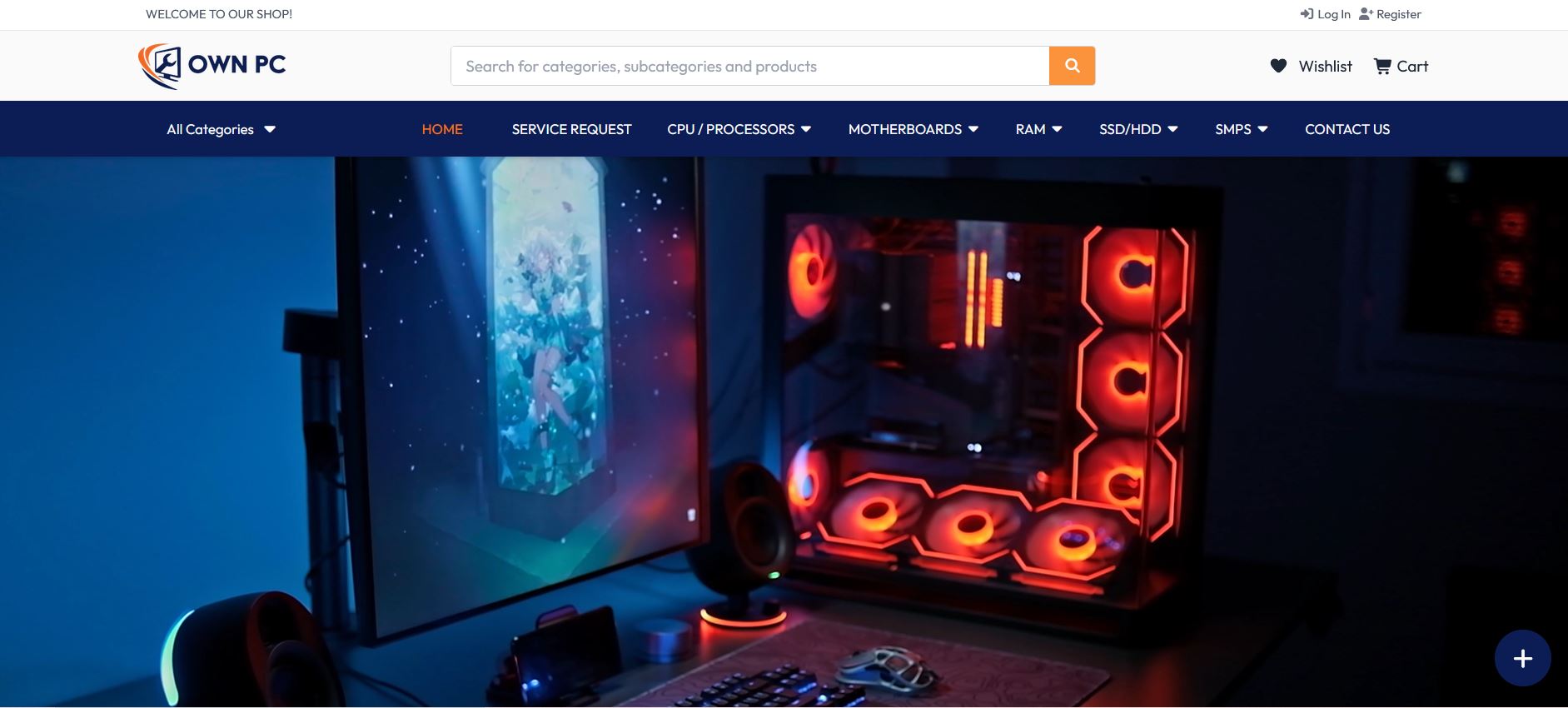
At Ownpc, we specialize in custom PC builds and premium system accessories designed to match your unique needs
Custom PC Build – High-Performance Workstation / Gaming Rig
Overview
This project involved designing and building a custom PC tailored for performance, efficiency, and future upgrades. The system was created to handle intensive workloads such as gaming, video editing, 3D rendering, and software development, while also being cost-optimized for the client’s budget.
Objectives
Build a high-performance machine that meets client requirements.
Ensure compatibility and stability between all components.
Provide custom aesthetics with RGB lighting and cable management.
Deliver a future-proof PC with easy upgrade options.
Key Features
Processor (CPU): Insert CPU name, e.g., Intel i7 13700K / AMD Ryzen 7 7800X3D
Graphics Card (GPU): Insert GPU, e.g., NVIDIA RTX 4070 Ti]
Memory (RAM): [Insert RAM, e.g., 32GB DDR5 6000MHz]
Storage: [Insert storage, e.g., 1TB NVMe SSD + 2TB HDD
Motherboard: [Insert motherboard, e.g., ASUS ROG Strix B650-E Gaming
Power Supply (PSU): Insert PSU, e.g., 750W 80+ Gold Certified
Cooling System: Insert cooling, e.g., 240mm Liquid Cooling + Case Fans
Case Design: Insert case, e.g., Corsair 4000D Airflow, with RGB accents
Process
Requirement Analysis: Collected the client’s performance and budget needs.
Component Research & Selection: Compared brands, benchmarks, and pricing.
Compatibility Check: Ensured all components matched (CPU socket, PSU wattage, GPU clearance, etc.).
Assembly: Installed CPU, motherboard, RAM, storage, GPU, PSU, and cooling system.
Cable Management: Organized cables for better airflow & neat design.
Testing: Ran stress tests and benchmarks for temperature, FPS, and stability.
Delivery & Setup: Final installation of OS, drivers, and essential software.
Results
Achieved [insert benchmark score or FPS results] on gaming tests.
Smooth performance in 4K gaming and video editing workflows.
Client praised the design, speed, and quiet operation.
Build delivered on time and within budget.
Add:
Before & After Build Pictures
Internal Cable Management Shots
RGB/Lighting Showcase
Benchmark Screenshots
Tech Stack / Tools Used
Hardware Assembly Tools (anti-static kit, screwdriver set)
BIOS Configuration
Benchmarking Tools (Cinebench, 3DMark, UserBenchmark, HWMonitor)